Firefox
-
Download the
.xpifile. -
Load in Firefox:
i. Open Firefox and type
about:debuggingin the address bar.ii. Click
This Firefoxon the left sidebar.iii. Click
Load Temporary Add-on....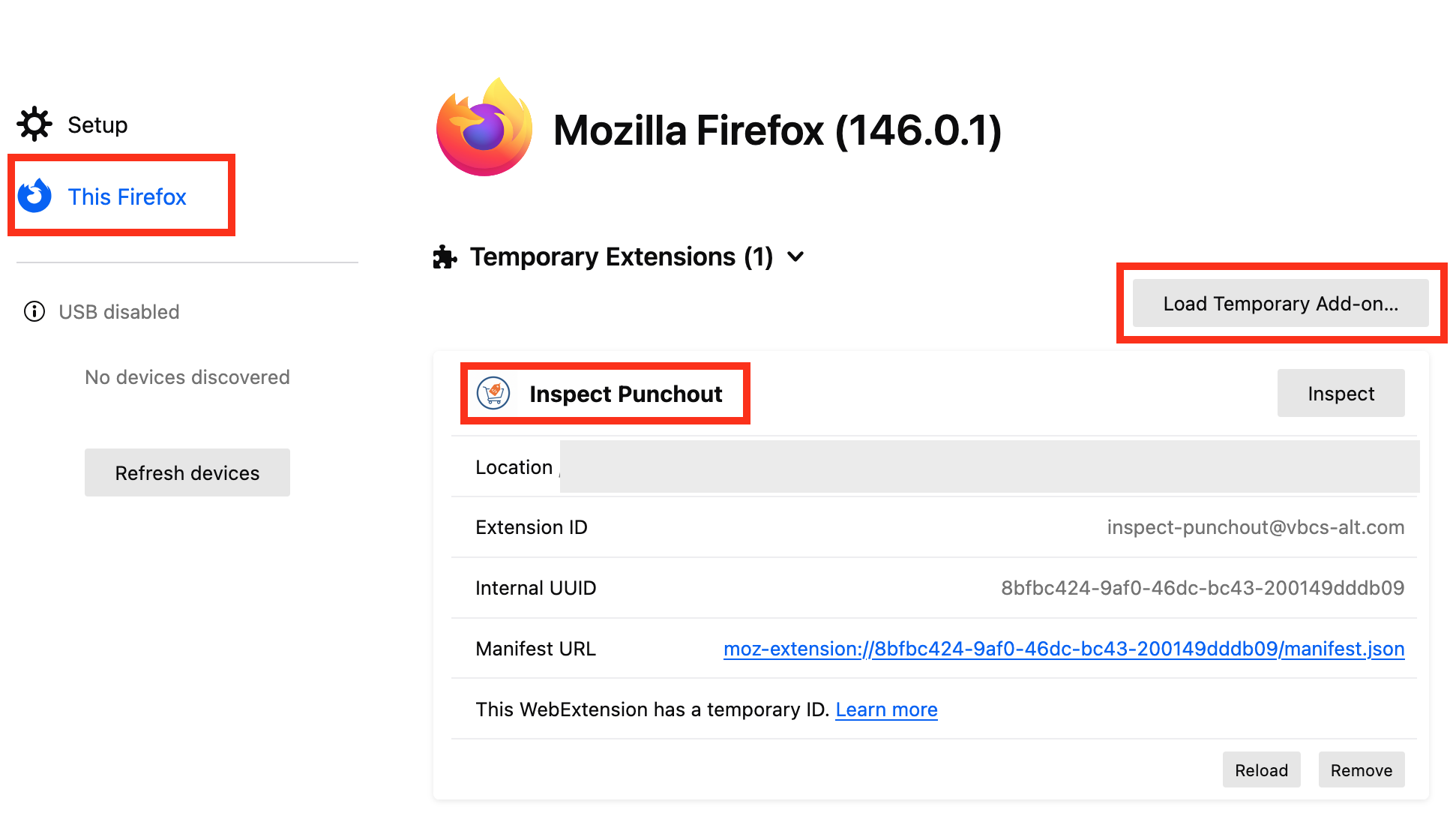
iv. Navigate to the downloaded
.xpifile and select it.v. You should now see a new entry under
Temporary Extensionswith the nameInspect Punchout.